Pieces with Textures
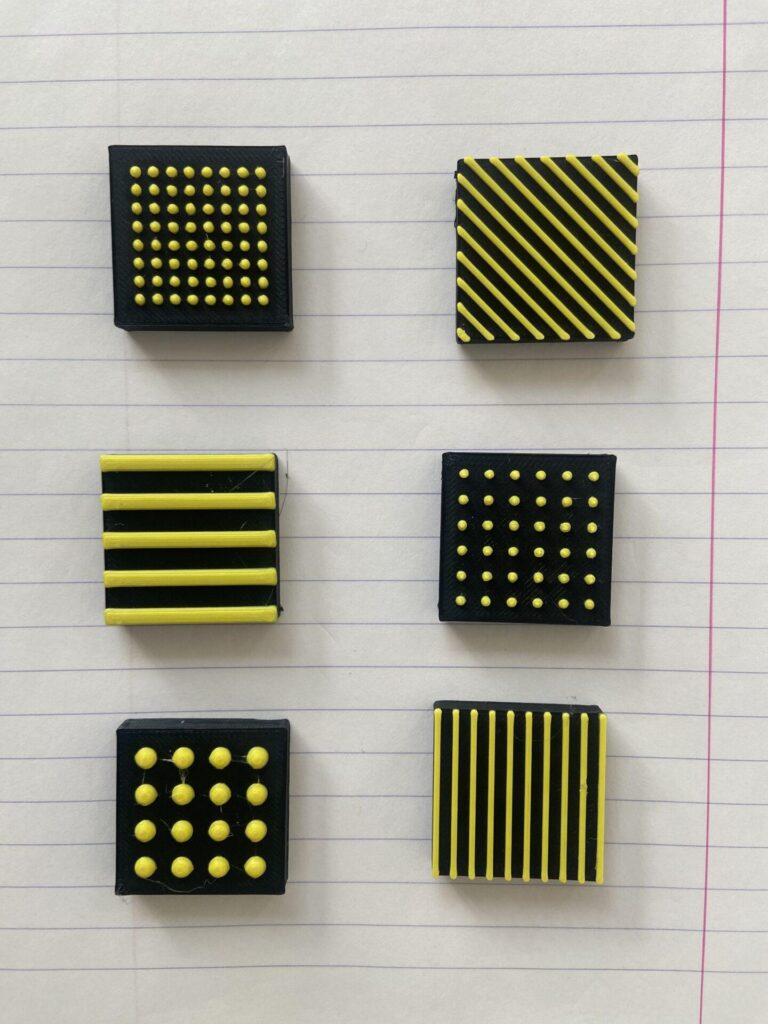
Description
With tactile models you often want to add textures to add diffrences or aditional information to a 3D model. In this project we researched what works best when adding textures that work well with students. You can read all about our research and recommendation in the guideline article 4.4 Surfaces and textures (add link). These file contains the textures and surfaces we made and tested. You can copy them or adapt them into you own models. The source Fusion 360 files are available.
Printing instructions and tips
Printing should be done at 0.1 MM for the best details. 0.2 mm can also be done but depending on you printer not all details might come out as perfect. The sqaure sphere patterns should be printed at a 90 degree angle for a smoother surface. Using two colours adds additional contrast which could benefit very low vision users.
Downloads
- Straight Lines small (STL)
- Surface2(1) (F3D)
- Surface1(1) (F3D)
- Straight Lines big (STL)
- Small dots close together (STL)
- Small dots big spread (STL)
- Diagonal lines (STL)
- Big Dots (STL)
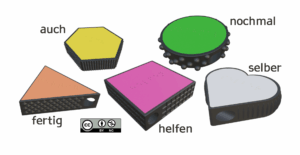
- Pieces with textures (STL)
Bundle of all files listed above.